

See Your Messages
See Your Messages
Both messages and commissions will appear in your Message Board. To access the Message Board, click on the “Message Board” button on the left of the top bar:

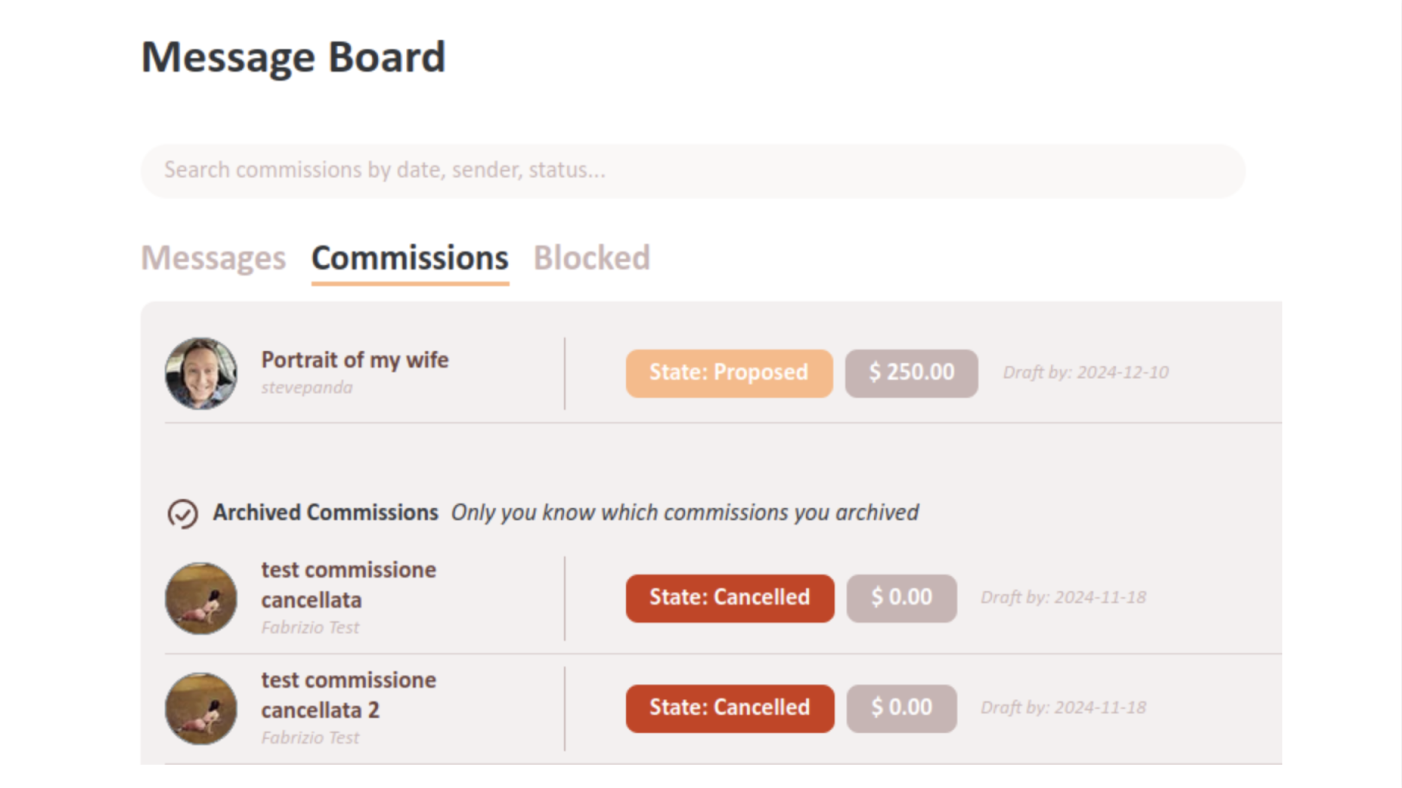
Commissions Tab
The Commissions tab includes all your commission-related conversations, whether active or archived.
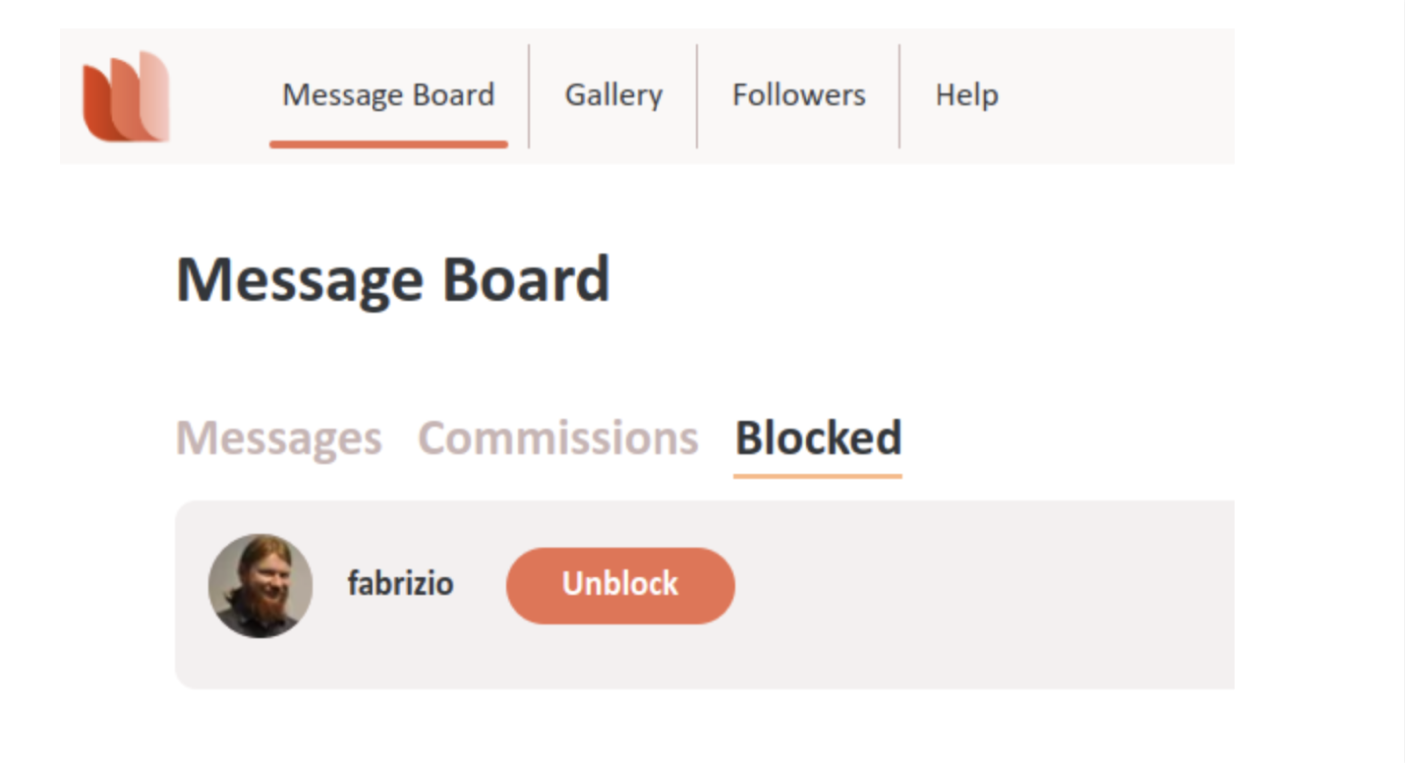
Blocked Tab
The Blocked tabs includes the conversations with users you blocked.
Messages Tab
The Messages tab includes all your non-commission conversations with other users.
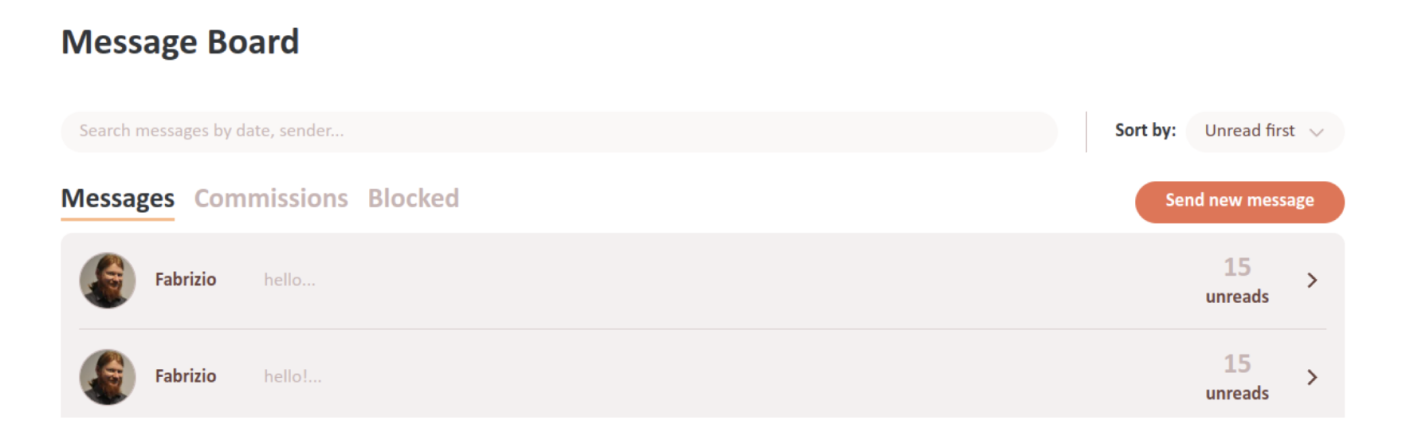
Above the tabs, you can see the search bar for messages and the relative filters and sorting options. Finally, the “Send new message” allows you to send a message to any user whose username you know. By clicking on one of the rows with a user's portrait and name, you will open the conversation with that user.
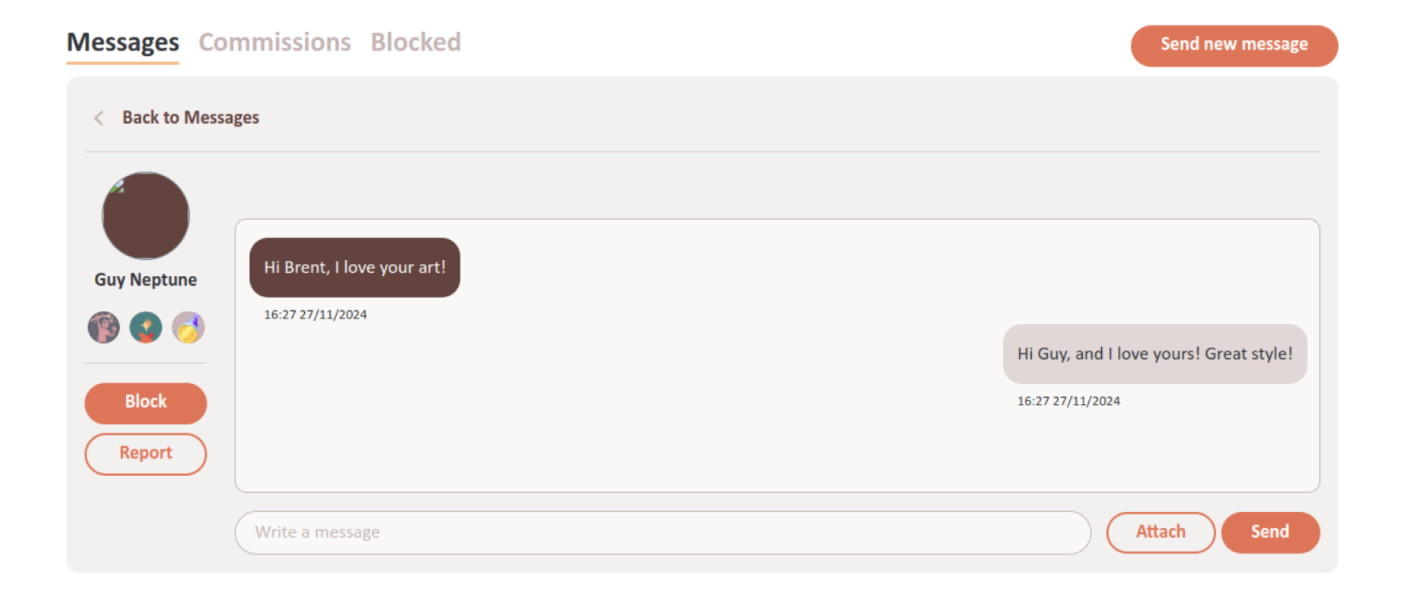
Here you can see on the left the user's portrait and display name. Some users also have a small subtitle under their name: these are users with special roles such as moderators and administrators. In the big window you can see your conversation history with the user. Their messages will be in darker bubbles aligned to the left, and yours will be in lighter bubbles aligned to the right. You can write them by using the “Write a message” field below and then pressing Enter or clicking the “Send” button. The “Attach” button allows you to attach images to your conversation as well. Under the user's name you can see the “Block” and “Report” buttons.
Use the Block button to block the user. Their messages and communications will move to the Blocked tab, and you won't receive notifications for their messages.
NOTE:If the user is already blocked by you, you will see the Unblock button instead. You can use this button to remove the block from the user. By doing so, the conversations with them will go back to the Messages tab.
Use the Report button to report the user to us. Do this only if you think that the user violated our Terms and Conditions. You will be able to write the reason of the reporting and, if you want, to also block the user. We will read your report and behave accordingly.