

Send Updates to Your Followers
Send Updates to Your Followers
Artists (and only artists) can be followed by any user (both artists and mecenates). You can send updates to your users to let them know when you have or are about to open new commission slots, when you want to tell them about some new initiative or artwork you love, or just to say hi.
To see your followers, click on the Followers button on the top bar and then on the Your followers tab on the page that opens.
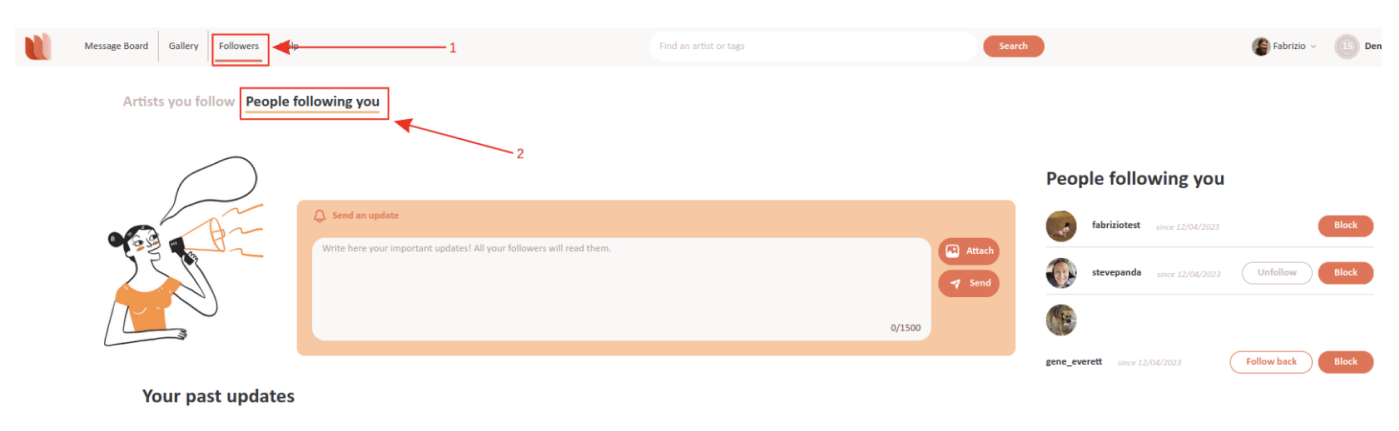
You will see the list of your followers on the right. You can decide to follow back those that are artists, unfollow those you already follow, or block any of them. Blocked users won't be able to see your updates or contact you.
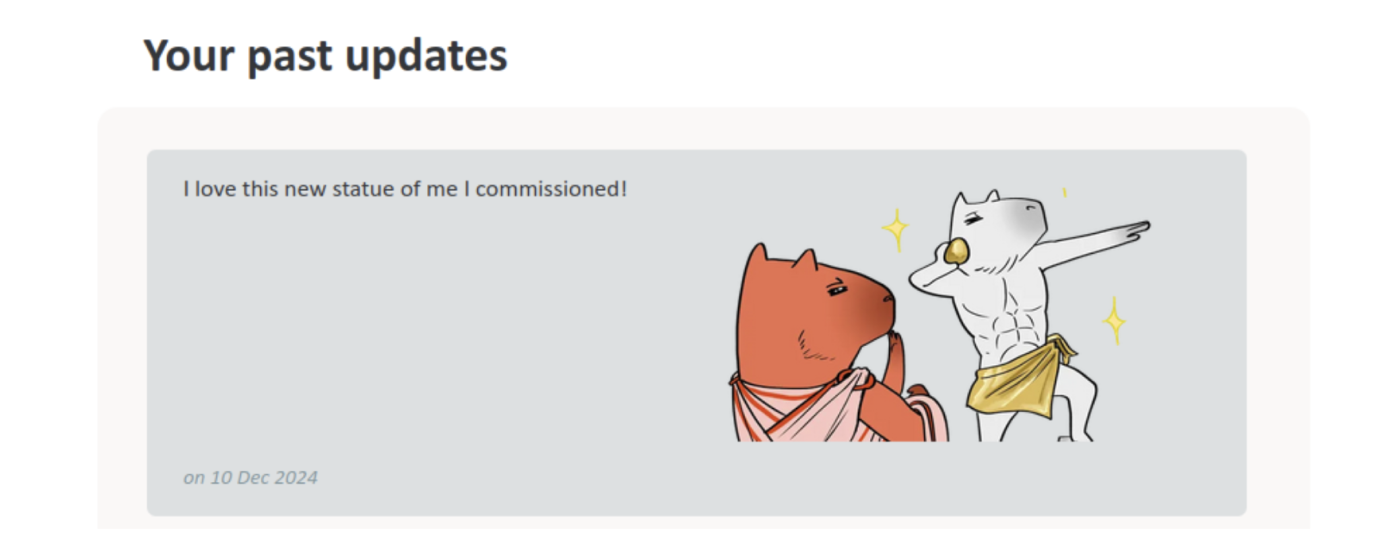
On the left you can see the "Send an update" form on the top and the list of the previous updates you sent just below.
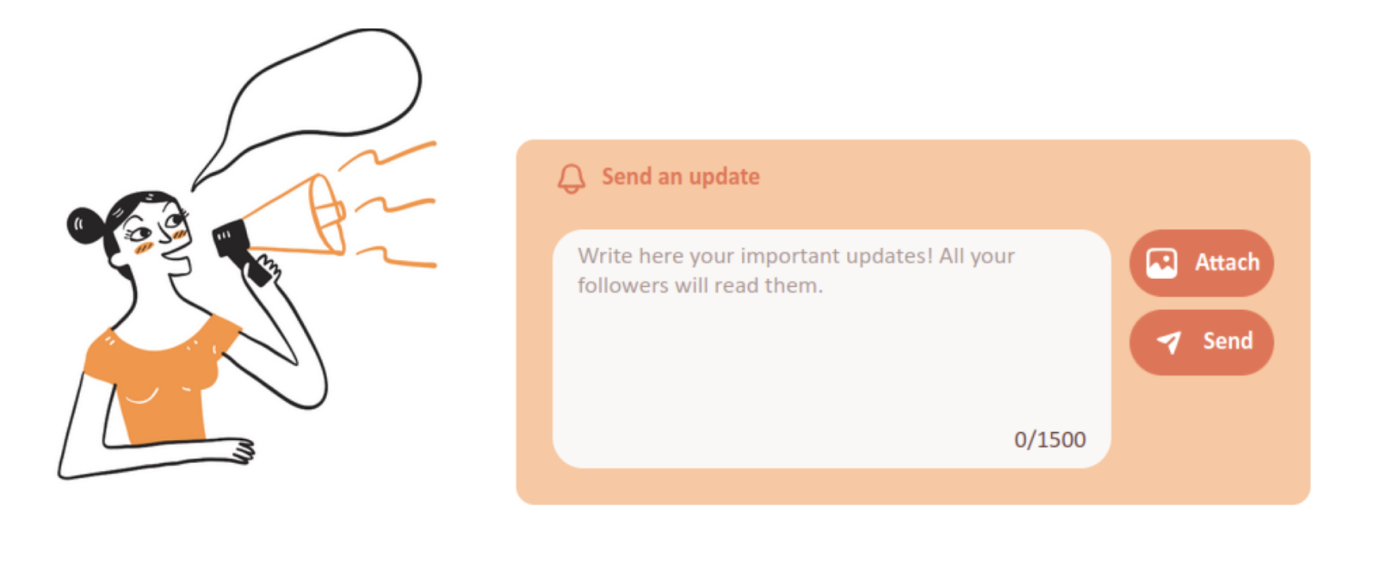
To send an update to your followers, write it in the Send an update form and click Send. You can also attach up to one image to the update; it will be sent as part of the update (to the right of the text).
NOTE:your followers may have activate email notifications for when you send an update, in which case we'll notify them of your update.