

Reset Your Password
Reset Your Password
If you forgot your password or find you cannot login with it anymore, you can follow this procedure to choose a new one.
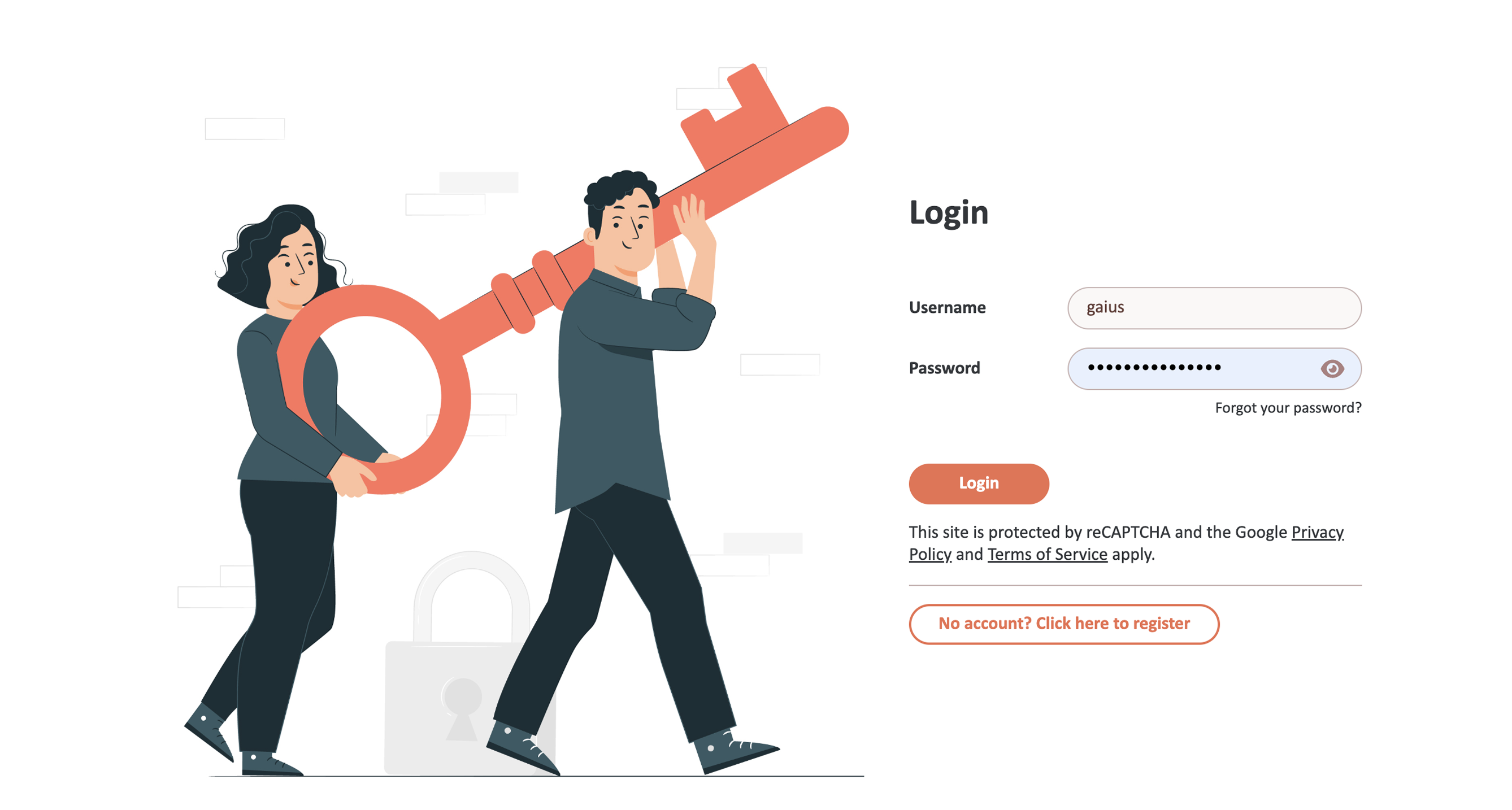
First of all, go to the login page and click on "Forgot your password?" under the Password field:
This form will open:
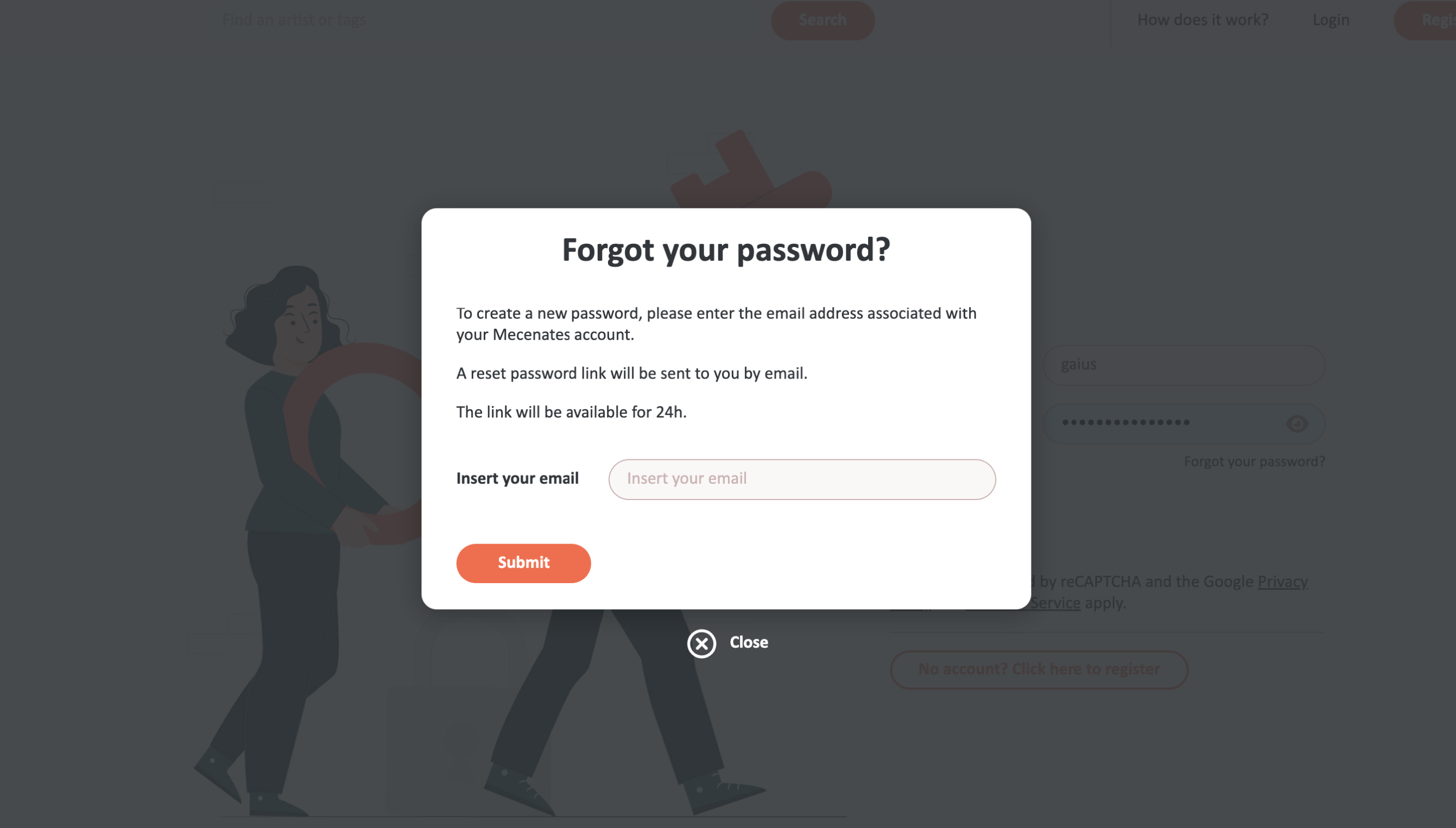
Type your email address in the field and click the "Submit" button. The email address must be the same you used to create your Mecenates account.
In a few minutes, you will receive at that address an email that looks like this:
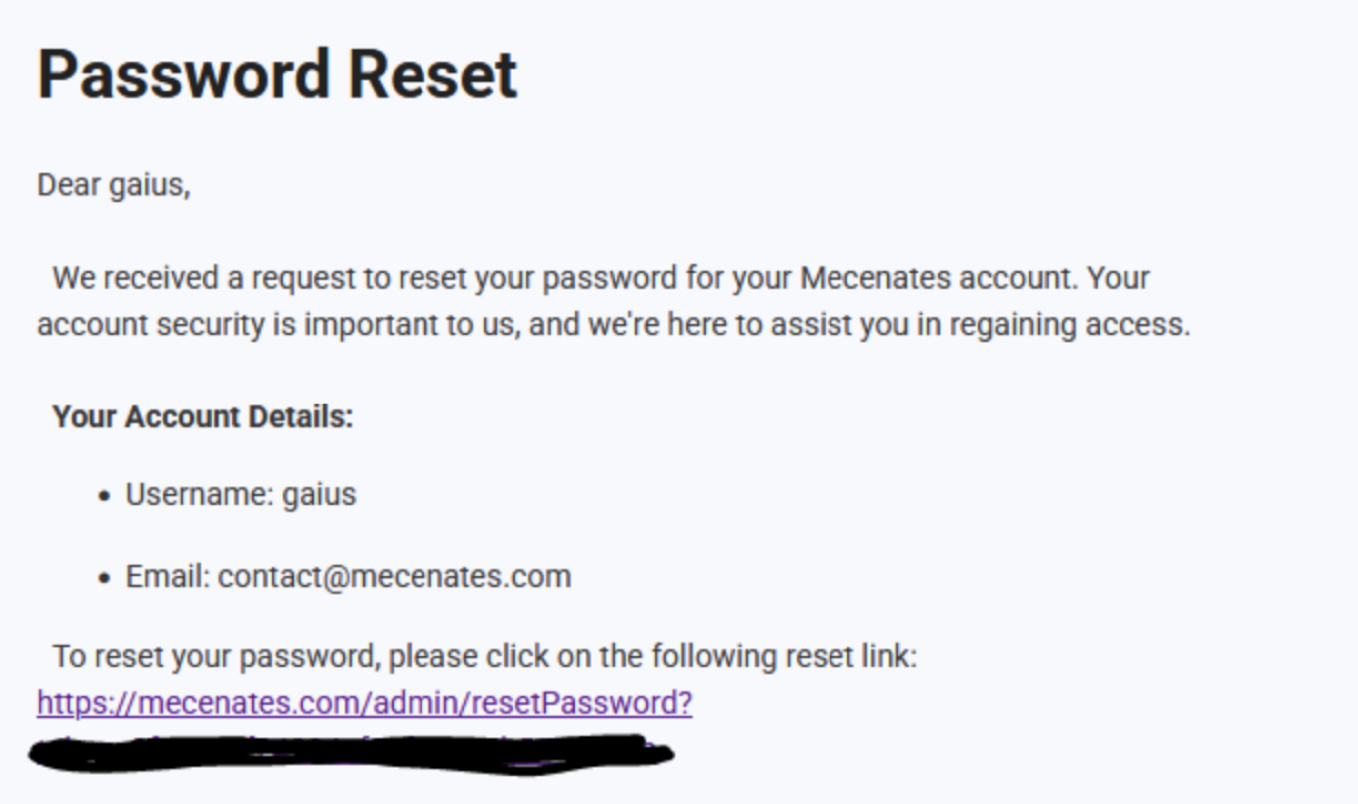
Click on the link to go to the password reset form. Note that the link is unique to you and will be available only for 24 hours; after that, you'll have to start the procedure from the beginning.
By clicking on the link in the email, you will open this page in your browser:
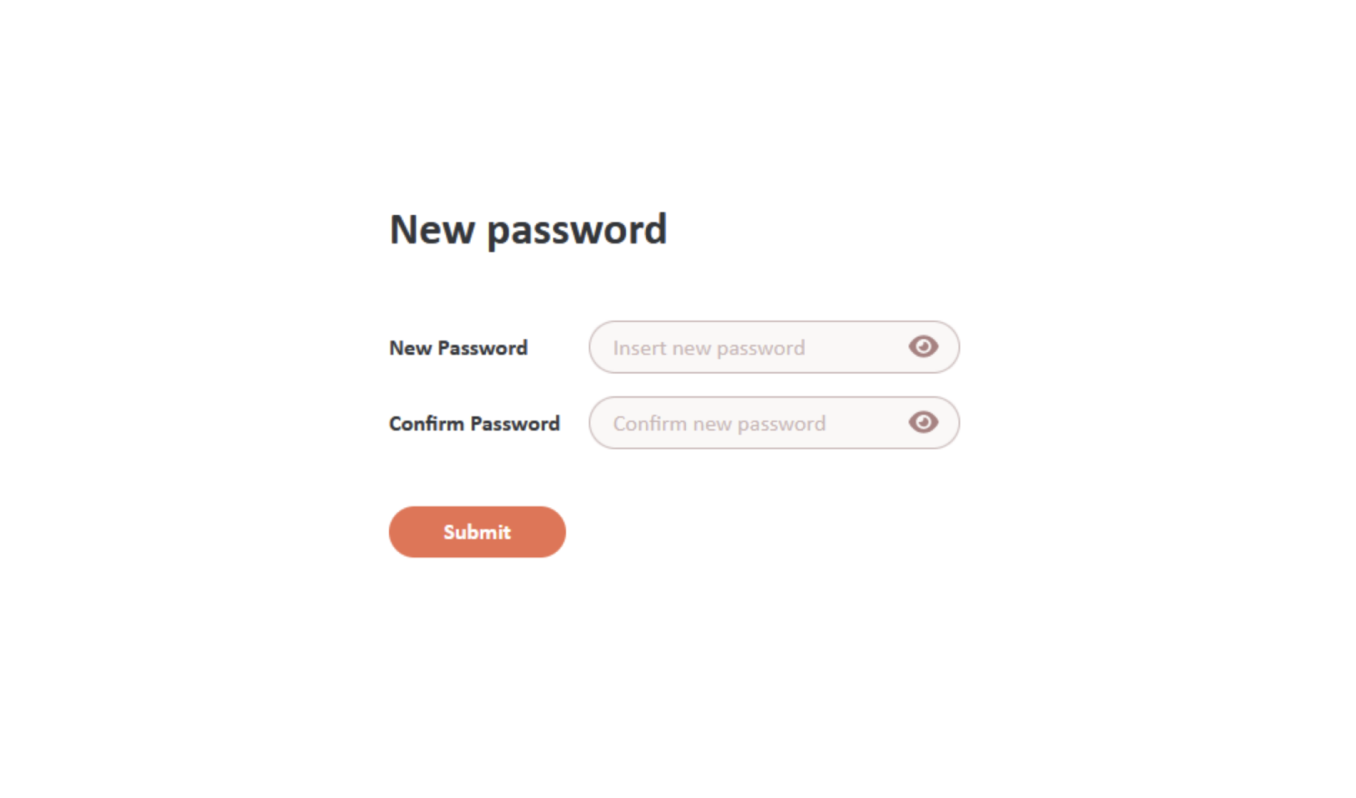
You need to create a new password for your account. The new password must be from 8 to 40 characters long and include uppercase and lowercase letters, numbers, and special characters included in this list: !@_#$%^&*. Once you have chosen the new password, type it both in the "New Password" and in the "Confirm Password" fields. The password must be the same in both fields. Then, click on the "Submit" button.
That's it! Now you can go back to the login page and login with your new password!