
Review an Artist
Review an Artist
IMPORTANT:You can review an artist ONLY AFTER a commission, for which you are the mecenate, has been accepted by the artist.
You will be able to leave up to one review for each accepted commission.
You may want to post your review as soon as the artist accepts the commission to speak of your experience contacting the artist and agreeing on the commission details, or you may want to wait for the commission to be completed and delivered to speak about the full experience. In both cases, you can always edit the review later.
You will see the “Write review” button on the bottom right of the commission conversation:
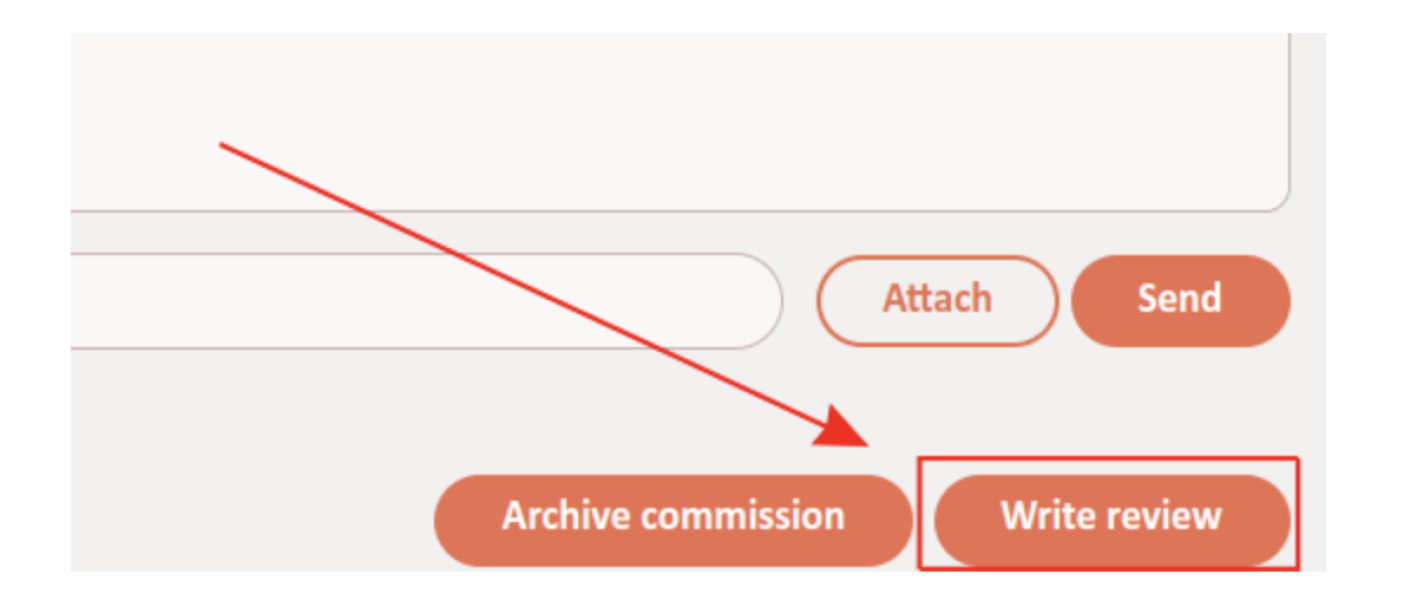
By clicking on it you will open the “Write a review!” form:
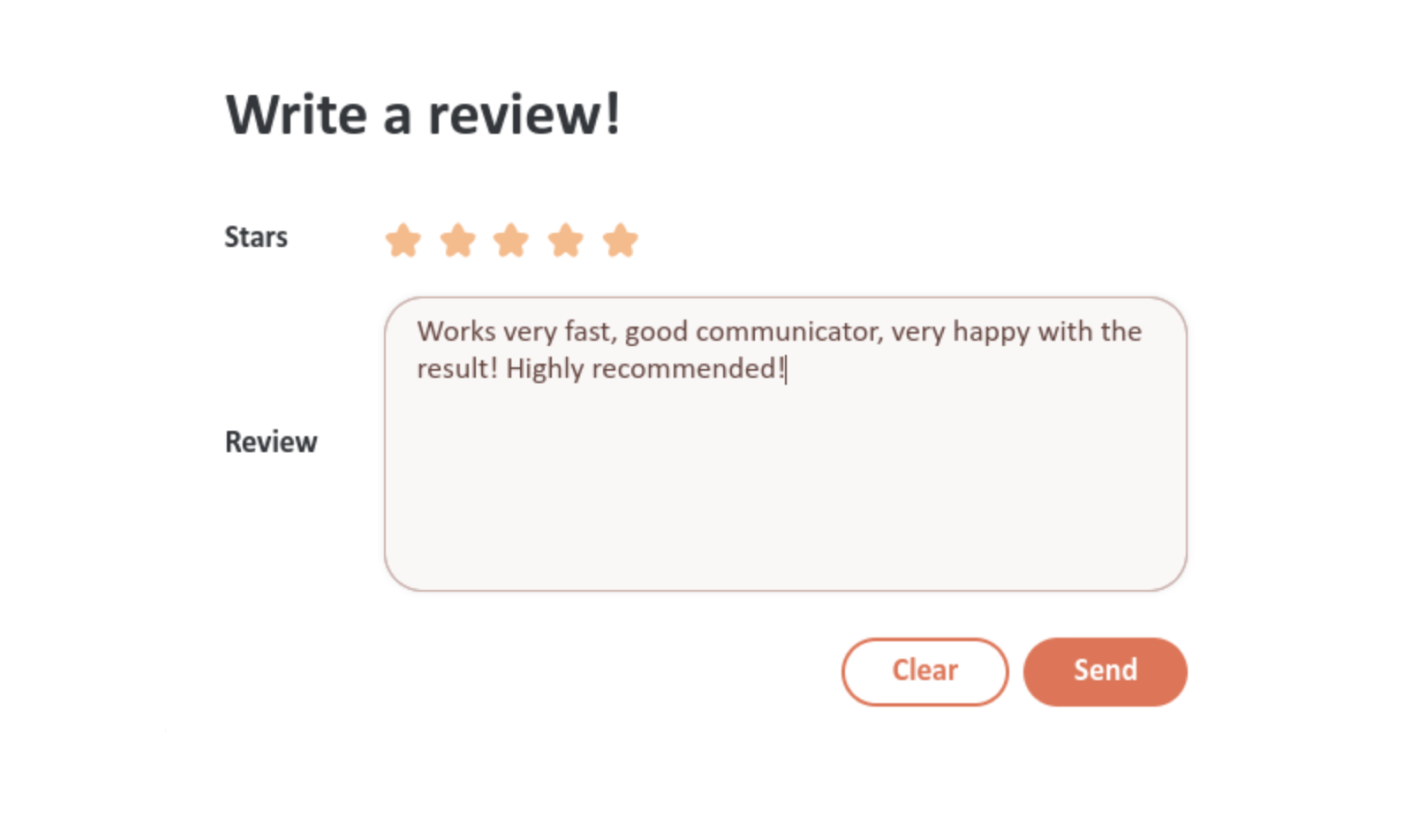
Stars: This field is for your rating from 0 to 5 stars. If you don't select it, we'll keep it at 5 (to prevent people from giving unwanted harsh reviews).Review: This field is where you write your actual review. You can speak about the experience commissioning the artist and about the result. In doubt, remember that being a little nicer is better than being a little harsher!
You can click on the “Clear” button to clear your review at any time. When you are happy with your review, click on the “Send” button to send it.
Your review will appear at the bottom of the artist's gallery for everyone to see:
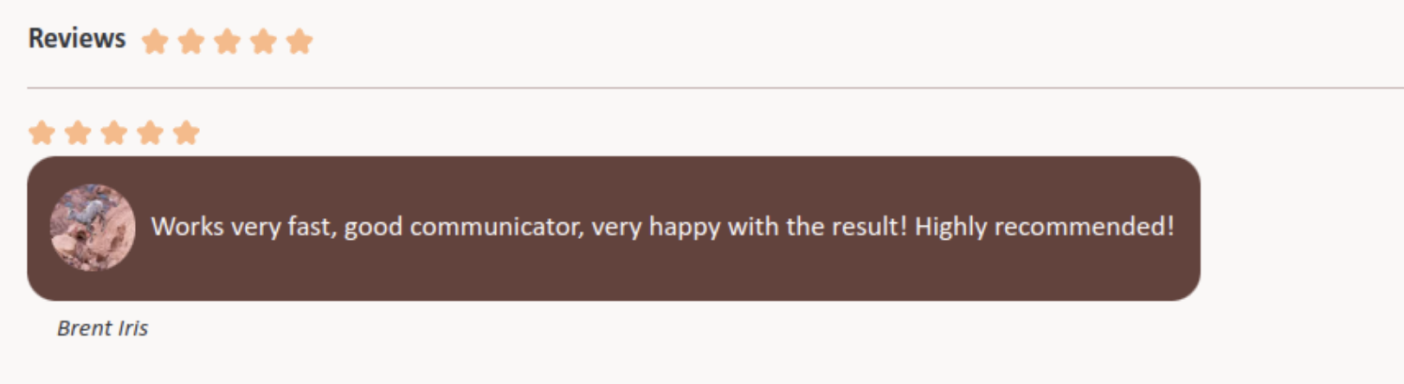
The artist will be able to respond to your review.
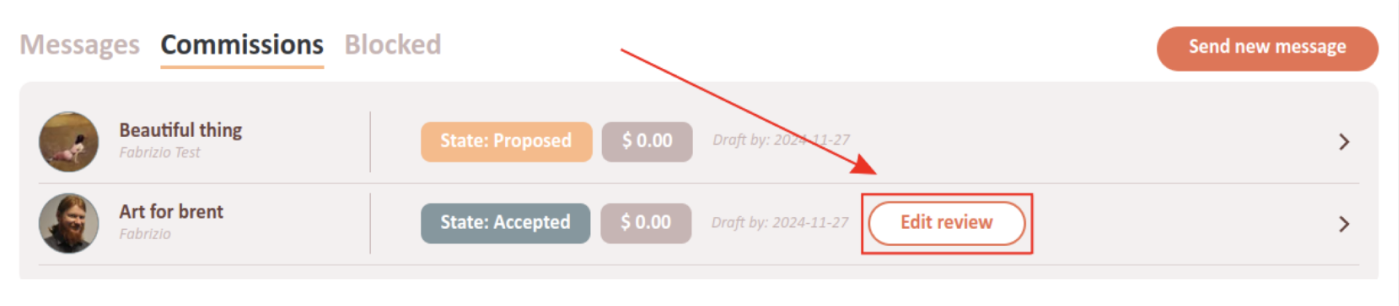
If you want to edit your review, you will find the “Write review” in the commission list has been replaced by “Edit review”. Click on it and you will be able to edit your review using the same form as above.